Artificial Intelligence is changing the way businesses operate.
For many companies, AI is no longer just a tool for generating content or answering questions. Businesses are increasingly using AI to automate repetitive tasks, improve customer experiences, analyze data, and help employees work more efficiently.
The biggest opportunity isn't necessarily replacing human employees.
It's giving employees better tools so they can spend less time on repetitive work and more time on activities that require creativity, strategy, and human decision-making.
In this article, we'll explore five practical business tasks that can be automated with AI.
What Is AI Business Automation?
AI business automation combines artificial intelligence with software workflows to perform tasks that traditionally require manual effort.
Traditional automation follows predefined rules.
AI-powered automation can go further by analyzing information, understanding natural language, identifying patterns, and making recommendations based on available data.
For example, instead of simply sending the same email to every customer, an AI-powered system can analyze the customer's request and determine what type of response or workflow should be triggered.
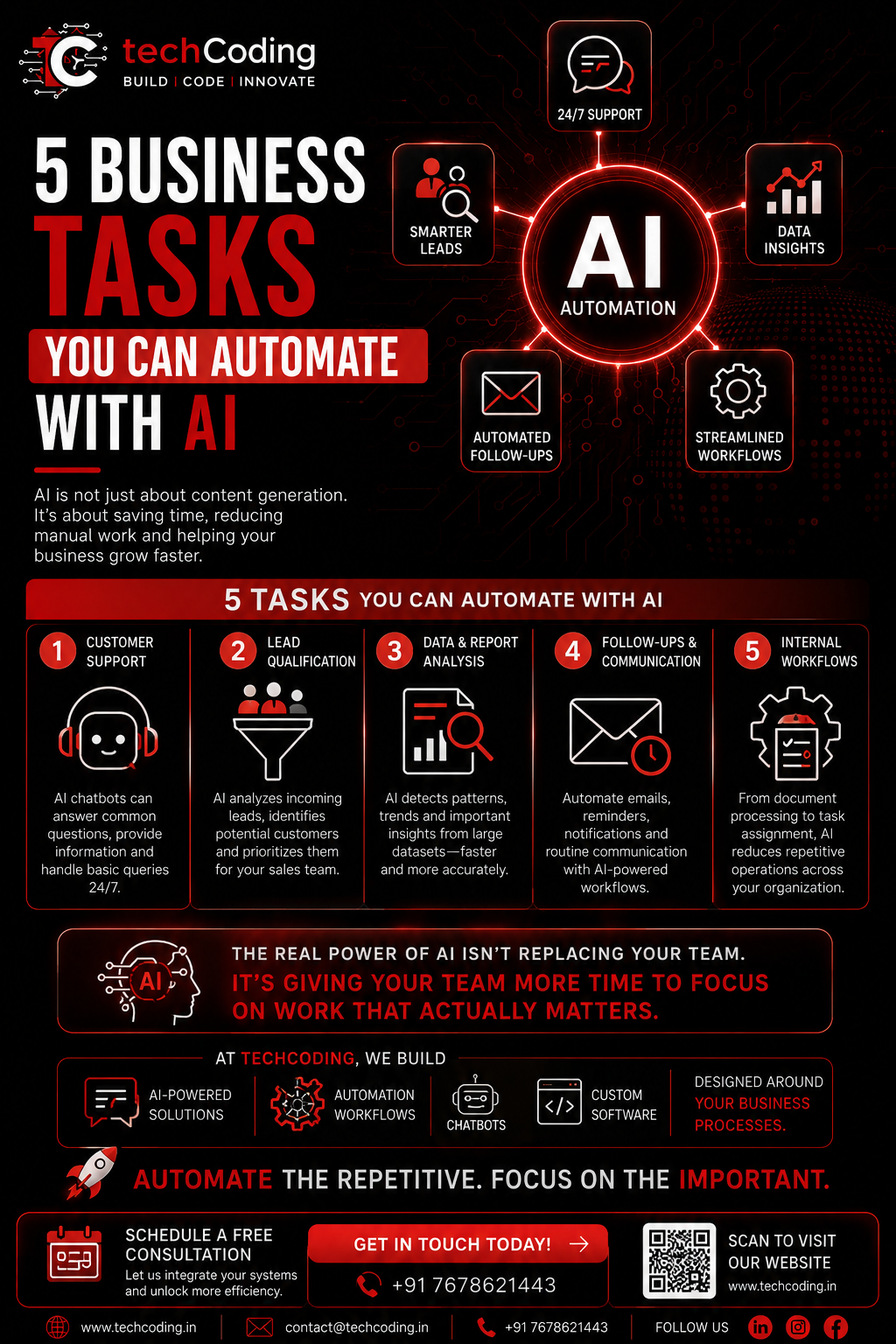
1. Automate Customer Support
Customer support is one of the most practical areas for AI automation.
Businesses receive many repetitive questions every day.
Customers may ask about:
Products and services
Pricing
Working hours
Order status
Delivery information
Appointment availability
Refund policies
General company information
An AI chatbot can handle many routine questions instantly.
How It Works
A typical AI customer-support workflow can look like:
Customer Question → AI Analysis → Knowledge Base → Response
If the question requires human assistance, the system can transfer the conversation to a support representative.
Benefits
AI-powered customer support can help businesses:
Respond faster
Provide support outside business hours
Reduce repetitive work
Improve response consistency
Handle more customer queries
AI doesn't have to replace your support team.
Instead, it can handle routine conversations while employees focus on more complex customer issues.
2. Automate Lead Qualification
Generating leads is important, but not every lead has the same value.
Sales teams often spend significant time reviewing leads and determining which prospects should be contacted first.
AI can help automate this process.
For example, an AI system can analyze information such as:
Customer requirements
Company size
Budget
Industry
Previous interactions
Website activity
Lead source
The system can then categorize leads based on predefined business criteria.
For example:
High Priority → Medium Priority → Low Priority
The sales team can focus on high-value opportunities first.
AI Lead Qualification Workflow
Website Form → AI Analysis → Lead Score → CRM → Sales Team
This can significantly improve the efficiency of a sales process.
3. Automate Data Analysis and Reporting
Businesses generate huge amounts of data.
Sales data, customer information, website analytics, marketing performance, inventory data, and financial information can become difficult to analyze manually.
AI can help identify patterns and trends within large datasets.
For example, an AI-powered analytics system could identify:
Which products are performing well
Which marketing channels generate more leads
Which customers are most active
Where sales are declining
Which leads have higher conversion potential
Instead of spending hours reviewing spreadsheets, business teams can receive summarized insights.
Example
A business dashboard might show:
Sales increased by 18%
Organic leads increased by 24%
Conversion rate decreased by 5%
AI can then help identify possible patterns behind these changes.
4. Automate Follow-Ups and Communication
Follow-ups are critical for sales and customer relationships.
However, businesses often lose opportunities because follow-ups are forgotten or delayed.
AI-powered workflows can help automate communication based on customer actions.
For example:
New Lead
↓
Send Welcome Email
↓
Wait 2 Days
↓
Send Follow-Up
↓
Analyze Customer Response
↓
Create Sales Task
↓
Notify Sales Representative
This allows businesses to maintain consistent communication without requiring employees to manually manage every follow-up.
AI Can Assist With
Email drafting
Follow-up reminders
Customer notifications
Appointment reminders
Lead nurturing
Personalized communication
Human approval can still be included for important customer communication.
5. Automate Internal Business Workflows
AI automation isn't limited to customer-facing activities.
It can also improve internal operations.
Businesses can use AI to assist with:
Document processing
Data extraction
Task assignment
Meeting summaries
Report generation
Internal notifications
Employee workflows
Invoice processing
Information classification
For example, when a new document is uploaded, an AI system can extract important information and automatically send it to the appropriate department.
This reduces repetitive administrative work.
AI Automation vs Traditional Automation
Traditional automation and AI automation are not exactly the same.
Traditional Automation
Traditional automation usually follows fixed rules.
For example:
IF payment is successful → Send confirmation email
The system follows a predefined condition.
AI Automation
AI-powered automation can analyze more complex information.
For example:
Customer message → AI understands intent → Determines category → Selects appropriate workflow
This makes AI useful for processes involving text, documents, conversations, images, and large amounts of data.
Benefits of AI Automation for Businesses
Implementing AI automation can provide several advantages.
Increased Productivity
Employees spend less time on repetitive tasks and more time on important business activities.
Faster Response Times
AI systems can operate continuously and respond to customers quickly.
Reduced Manual Errors
Automating repetitive data entry and processing can reduce human mistakes.
Better Scalability
Automated workflows can handle increasing workloads without requiring the same increase in manual effort.
Improved Customer Experience
Faster responses and personalized communication can improve customer satisfaction.
Better Business Insights
AI can analyze large amounts of information and highlight important patterns.
AI Automation Does Not Mean Removing Humans
One of the biggest misconceptions about AI is that businesses must choose between AI and human employees.
The better approach is usually AI + Humans.
AI can handle:
Repetitive tasks
Data processing
Initial analysis
Routine questions
Workflow triggers
Humans can focus on:
Strategy
Creativity
Complex decisions
Relationship building
Critical thinking
High-value customer interactions
The goal is to create a more productive team rather than simply replacing people.
How to Start With AI Automation
Businesses don't need to automate everything at once.
A better approach is to identify one repetitive process that consumes significant time.
Step 1: Identify Repetitive Work
Find tasks that employees perform repeatedly.
Step 2: Measure the Current Process
Understand how much time and effort the process requires.
Step 3: Identify an AI Use Case
Determine whether AI can improve or automate the process.
Step 4: Build a Small Workflow
Start with a focused implementation rather than automating the entire business.
Step 5: Measure Results
Track improvements in:
Time saved
Response speed
Cost
Productivity
Customer satisfaction
Step 6: Expand Gradually
Once the workflow proves useful, integrate AI into additional processes.
Examples of AI Automation Workflows
AI Customer Support
Customer → AI Chatbot → Knowledge Base → Response → Human Escalation
AI Lead Management
Website Lead → AI Qualification → Lead Score → CRM → Sales Notification
AI Document Processing
Document Upload → AI Extraction → Data Validation → Database → Notification
AI Marketing Workflow
Customer Data → AI Analysis → Personalized Content → Campaign → Analytics
These workflows can be customized according to the needs of each business.
How TechCoding Helps Businesses Use AI
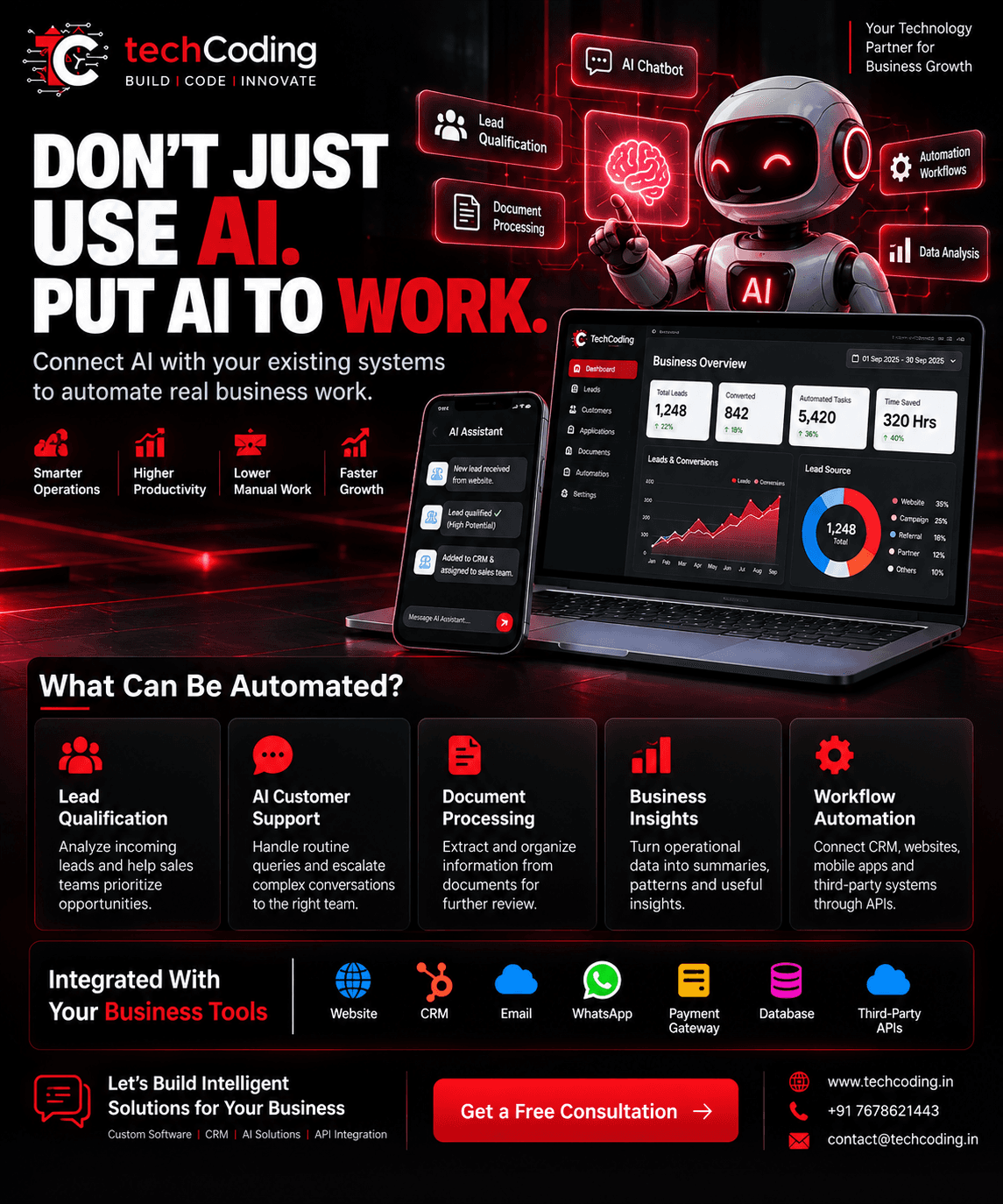
At TechCoding, we help businesses integrate AI into their existing digital systems and workflows.
Our solutions can include:
AI Chatbot Development
AI Lead Qualification
Business Process Automation
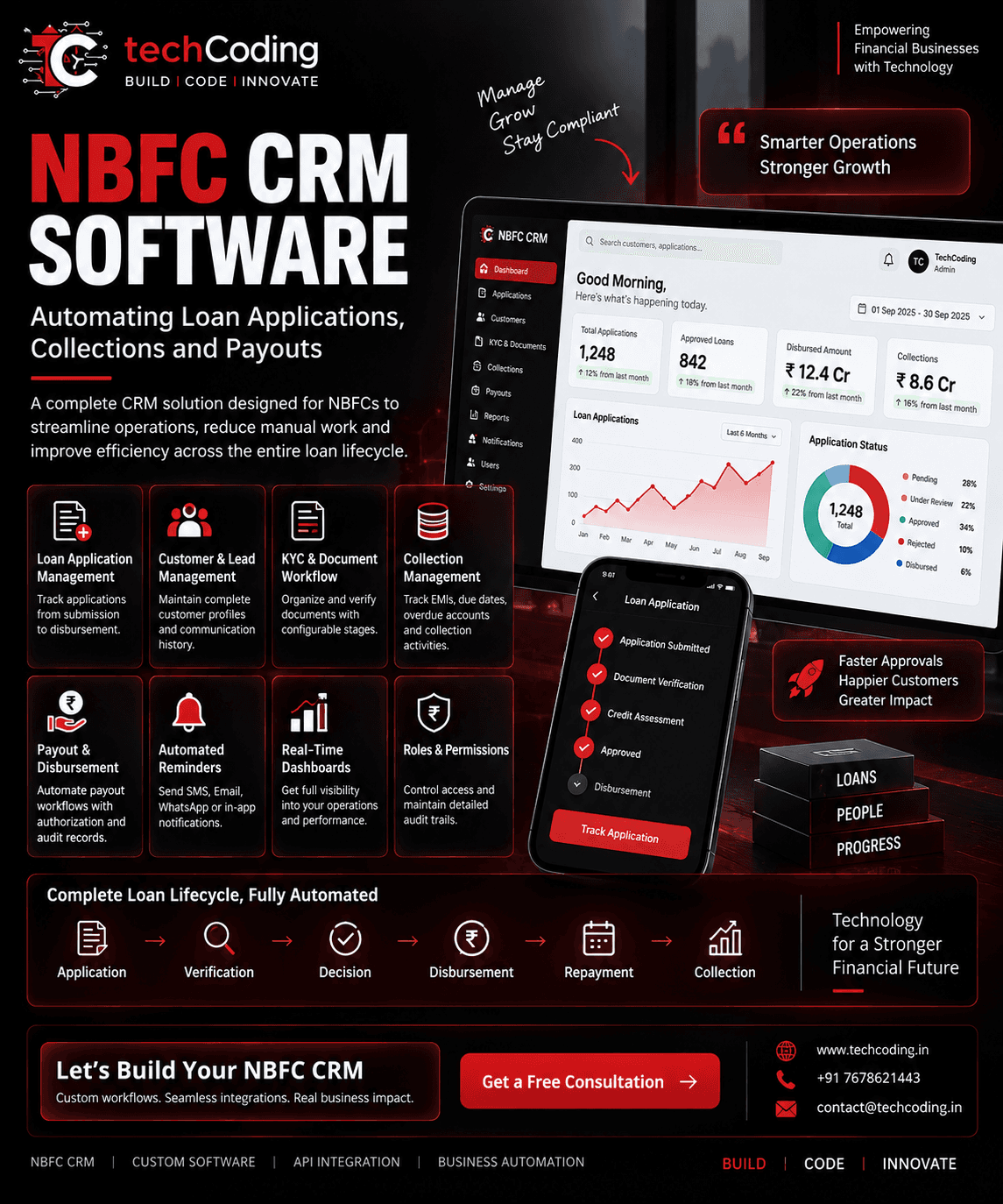
AI-Powered CRM
AI Web Applications
AI Data Analysis
Document Processing
Workflow Automation
API Integration
Custom Software Development
Instead of implementing AI simply because it is trending, we focus on finding practical use cases where AI can create measurable business value.
AI + CRM: A Powerful Combination
AI becomes even more useful when integrated with a CRM.
For example, an AI-powered CRM can help:
Score leads
Summarize customer conversations
Recommend follow-up actions
Generate email drafts
Identify sales opportunities
Analyze customer behavior
Automate routine tasks
This creates a smarter customer management system that supports the sales team instead of simply storing customer information.
Is AI Automation Right for Your Business?
AI automation may be worth exploring if your business:
Handles large numbers of customer inquiries
Manages many leads
Performs repetitive data entry
Uses multiple disconnected systems
Spends significant time creating reports
Has repetitive communication workflows
Wants to improve operational efficiency
The best AI implementation is not necessarily the most complicated one.
It is the one that solves a real business problem.
Final Thoughts
AI is becoming an important part of modern business operations.
From customer support and lead qualification to data analysis, communication, and internal workflows, AI can help businesses reduce repetitive work and improve productivity.
The goal isn't to automate everything.
The goal is to identify the right processes, introduce AI where it creates real value, and allow your team to focus on higher-value work.
Automate the repetitive. Focus on the important.
🚀 Build Smarter Business Solutions With TechCoding
At TechCoding, we build AI-powered solutions, automation workflows, CRM systems, chatbots, APIs, and custom software designed around your business needs.
📞 +91 7678621443
BUILD | CODE | INNOVATE