A professional website helps your business attract customers, generate leads, and build credibility. However, if your website isn't secure, it can become a target for cyberattacks, putting both your business and your customers at risk.
Website security isn't just for large companies. Small businesses, startups, and local businesses are also frequent targets because attackers often assume they have weaker security measures in place.
This guide explains why website security matters, common threats to watch for, and practical steps you can take to protect your online business.
Why Website Security Matters
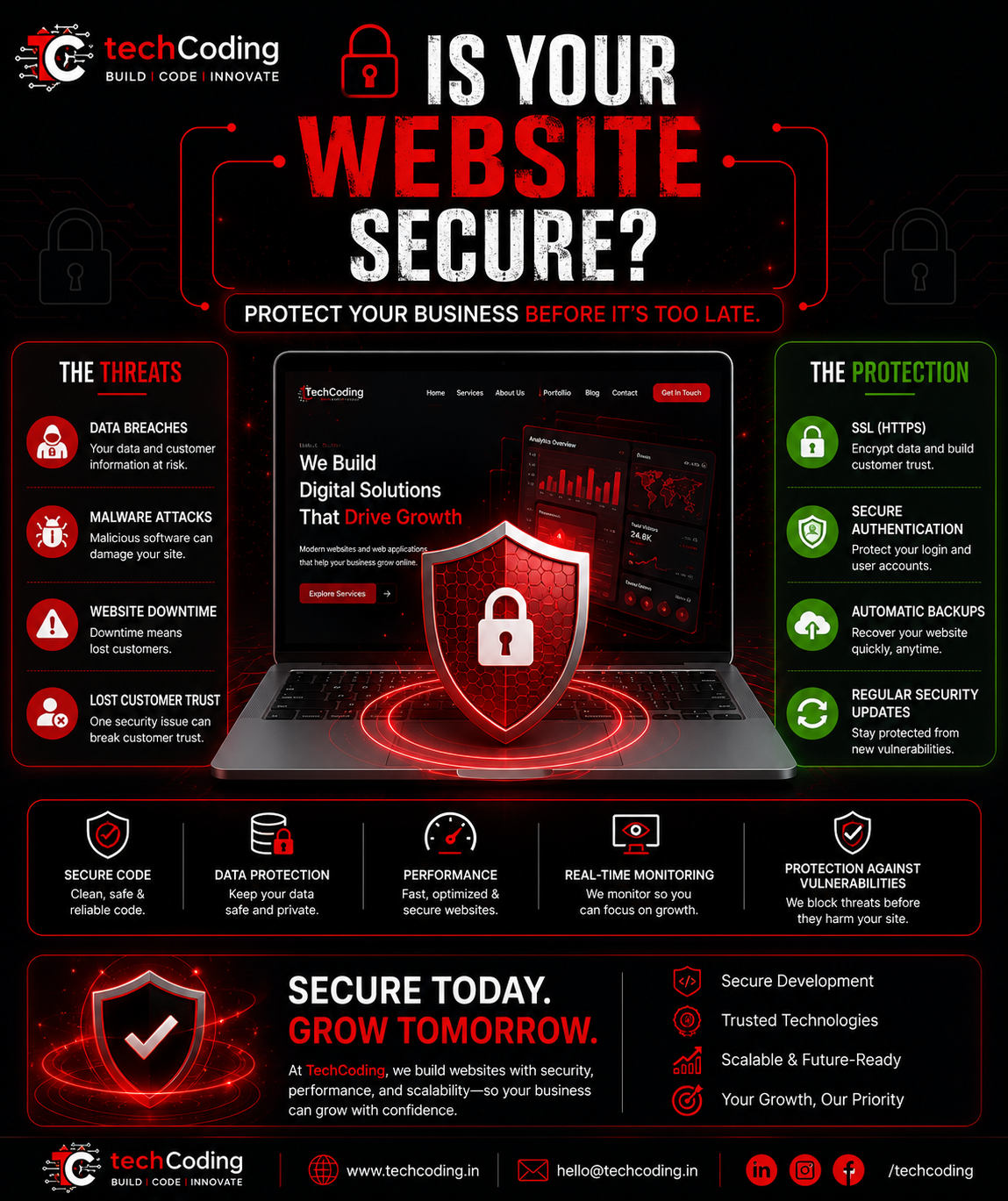
Your website stores valuable information such as customer inquiries, contact details, business information, and sometimes payment data. A security breach can result in:
Loss of customer trust
Website downtime
Stolen business data
Malware infections
Lower Google rankings
Financial losses
Damage to your brand reputation
Investing in website security protects your business while creating a safer experience for your visitors.
Common Website Security Threats
1. Malware Attacks
Hackers may inject malicious code into your website, causing visitors to download harmful software or redirecting them to unsafe websites.
2. SQL Injection
Poorly secured forms and databases can allow attackers to manipulate database queries and gain unauthorized access to sensitive information.
3. Cross-Site Scripting (XSS)
Attackers inject malicious JavaScript into your website, potentially stealing user information or altering website content.
4. Brute Force Attacks
Automated bots repeatedly attempt to guess usernames and passwords until they gain access to your admin panel.
5. DDoS Attacks
Distributed Denial of Service (DDoS) attacks overwhelm your server with traffic, making your website unavailable to legitimate visitors.
Signs Your Website May Be at Risk
Watch for these warning signs:
Slow website performance without a clear reason
Unexpected redirects
Unknown administrator accounts
Browser security warnings
Missing SSL certificate
Spam appearing on your website
Frequent downtime
Sudden drops in search engine rankings
Essential Website Security Features
A secure website should include the following:
SSL Certificate (HTTPS)
Strong authentication
Secure password policies
Regular software updates
Daily automated backups
Firewall protection
Malware scanning
Database security
Secure hosting environment
Access control for administrators
Best Practices for Website Security
Keep Software Updated
Always update your CMS, frameworks, plugins, and libraries to patch known vulnerabilities.
Use HTTPS Everywhere
An SSL certificate encrypts communication between users and your website, protecting sensitive information and increasing trust.
Enable Strong Authentication
Use complex passwords and enable Two-Factor Authentication (2FA) for administrator accounts whenever possible.
Backup Your Website Regularly
Maintain automated backups so your website can be restored quickly if an issue occurs.
Validate User Input
Never trust user input directly. Validate and sanitize all form data to reduce the risk of attacks like SQL injection and XSS.
Limit Admin Access
Provide administrator access only to trusted team members and follow the principle of least privilege.
How Website Security Improves SEO
Website security doesn't just protect your business—it also supports search engine optimization.
Google prefers secure websites because they provide a safer browsing experience.
Benefits include:
HTTPS ranking signal
Better user trust
Lower bounce rates
Improved website performance
Higher search visibility
Modern Technologies for Secure Websites
At TechCoding, we use modern technologies and best practices to build secure, scalable websites.
Our technology stack includes:
Next.js
React.js
Node.js
Express.js
PostgreSQL
MongoDB
We also implement:
Secure Authentication
Role-Based Access Control
API Protection
HTTPS Configuration
Security Headers
Input Validation
Performance Optimization
Why Businesses Choose TechCoding
Security is integrated into every project from the beginning rather than added as an afterthought.
Our services include:
Custom Website Development
Web Application Development
E-Commerce Solutions
Website Maintenance
Performance Optimization
Technical SEO
Security Audits
API Development
Our goal is to create websites that are fast, secure, scalable, and ready for long-term business growth.
Final Thoughts
Cyber threats continue to evolve, making website security more important than ever. Protecting your website helps safeguard your business, maintain customer trust, and ensure your online presence remains reliable.
Whether you're launching a new website or improving an existing one, building security into every stage of development is one of the smartest investments you can make.
Need a secure, high-performance website?
TechCoding builds modern websites and web applications with security, speed, and scalability at the core—helping businesses grow confidently in today's digital world.