Artificial Intelligence has quickly become one of the biggest technology trends for businesses.
Companies are experimenting with AI chatbots, content generation, analytics tools, AI assistants, and automation platforms.
But simply having access to AI does not automatically make a business more efficient.
The bigger question is:
Is AI actually doing useful work inside your business?
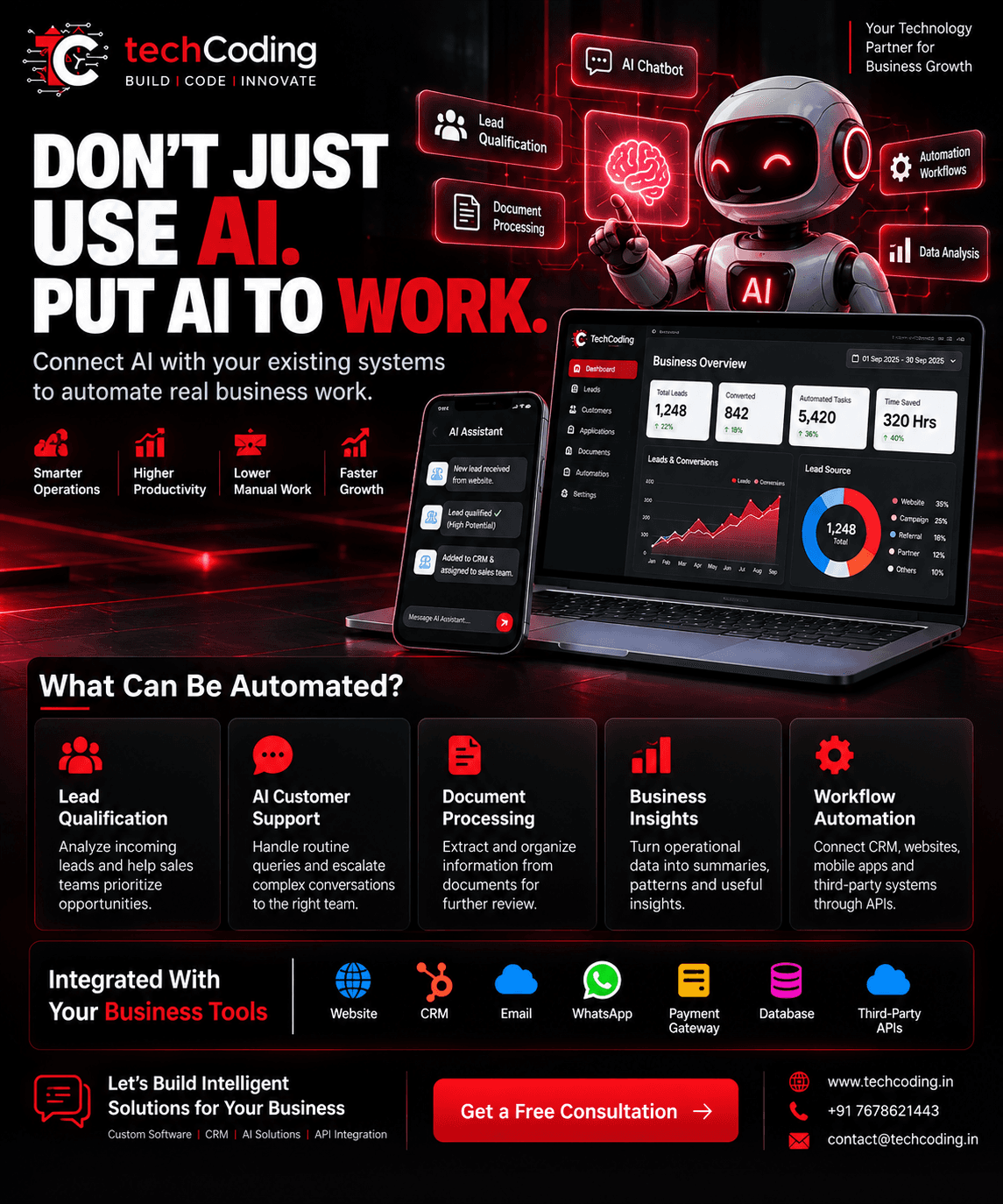
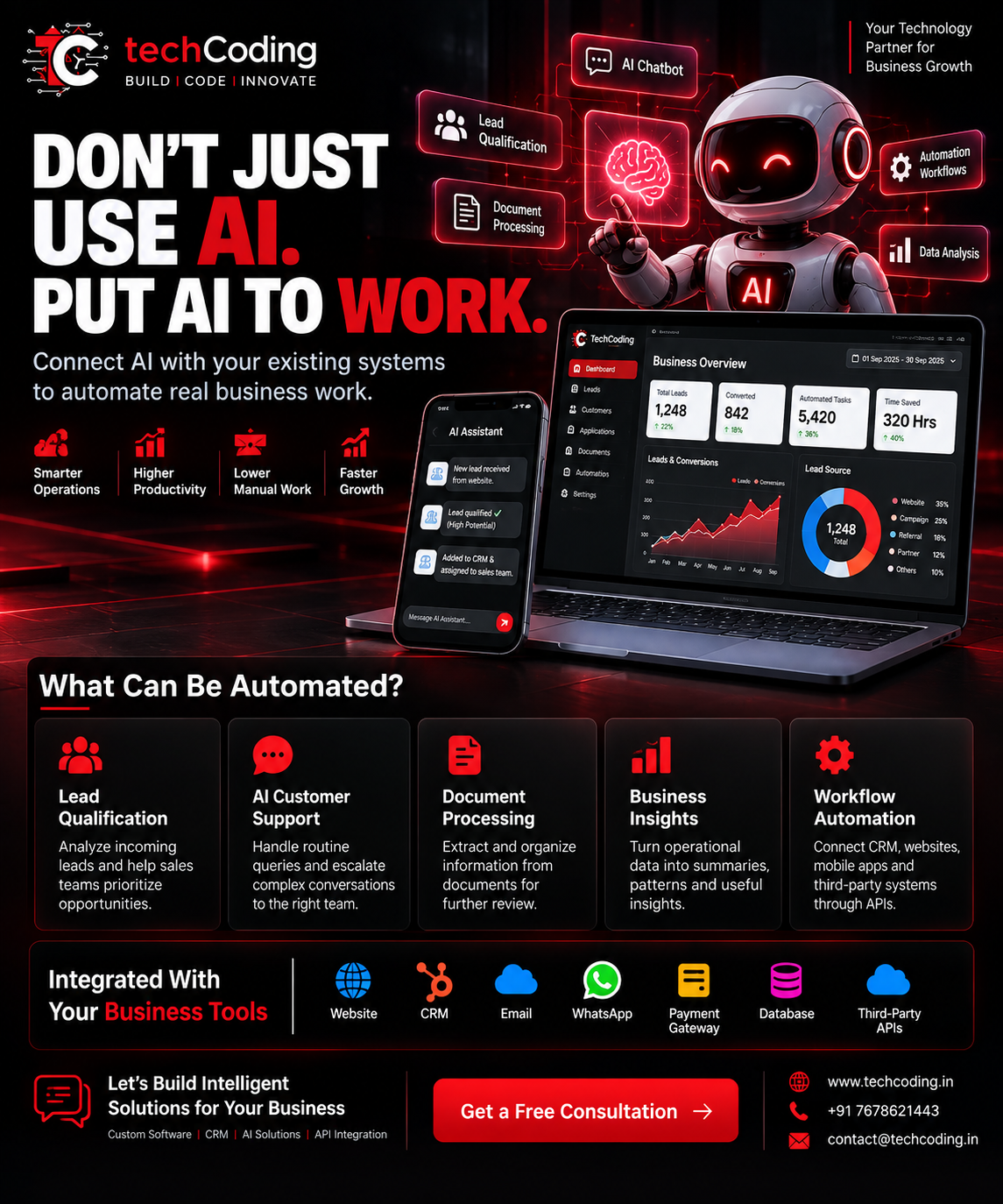
The real opportunity starts when AI is connected with the systems your company already uses—your website, CRM, mobile application, database, email, WhatsApp, payment systems, and other business software.
Instead of becoming another standalone tool, AI can become part of your actual business workflow.
AI + CRM + APIs + Automation = Smarter Business Operations
Let's understand how.
The Problem With Using Too Many Disconnected AI Tools
Businesses already use multiple software platforms.
A typical company might have:
A website
CRM software
Email
WhatsApp
Payment gateway
Accounting software
Analytics
Customer-support software
Mobile applications
Internal dashboards
Now businesses are adding AI tools on top of these systems.
But if AI operates separately from everything else, employees may still need to manually copy information between applications.
For example:
A customer submits a website enquiry.
Someone checks the enquiry.
Someone analyzes whether it is a useful lead.
Then the employee manually creates a CRM record.
After that, someone assigns the lead to a salesperson.
Finally, the sales team starts following up.
AI becomes much more useful when this workflow is connected.
What Does It Mean to Put AI to Work?
Putting AI to work means integrating artificial intelligence directly into real business processes.
Instead of asking employees to open a separate AI application every time they need assistance, AI can operate within existing workflows.
For example:
Website Lead
↓
AI Qualification
↓
CRM
↓
Automatic Assignment
↓
Sales Team Notification
↓
Follow-Up Workflow
The employee doesn't need to manually move information between every stage.
The systems work together.
1. AI Lead Qualification
Businesses spend significant resources generating leads.
But not every lead has the same potential.
Sales teams can waste considerable time manually reviewing enquiries before deciding which prospects should receive immediate attention.
AI can assist with the initial qualification process.
Depending on the available information and business rules, the system might analyze:
Customer requirement
Business type
Location
Product or service interest
Budget range
Company size
Previous interactions
Lead source
The system can then help categorize leads.
For example:
New Website Lead
↓
AI Analysis
↓
Lead Categorization
↓
CRM Record Created
↓
Sales Representative Assigned
↓
Team Notification
This allows sales teams to focus their attention more efficiently.
2. AI Customer Support
Customer support is another practical application of AI.
Businesses receive many repetitive questions every day.
Customers may ask:
What services do you provide?
What are your prices?
How can I contact support?
What is my application status?
Where is my order?
How can I schedule a consultation?
An AI assistant can handle appropriate routine queries using approved business information.
A typical workflow could look like:
Customer Question
↓
AI Assistant
↓
Knowledge Base / Business System
↓
Relevant Response
If the request requires human attention:
AI Assistant → Support Ticket → Human Agent
This combination can provide faster initial responses while keeping humans involved when necessary.
3. AI-Powered CRM
Traditional CRM systems are excellent for storing information.
AI can make CRM workflows more useful by helping teams understand and act on that information.
An AI-enabled CRM may assist with:
Lead summaries
Lead categorization
Conversation summaries
Suggested follow-ups
Customer query classification
Email drafting
Task creation
Data analysis
For example, instead of a salesperson reading a long customer conversation, AI could generate a short summary.
Customer Requirement: Custom CRM
Industry: Financial Services
Priority: High
Last Interaction: Product demonstration requested
Suggested Next Step: Schedule consultation
The salesperson can quickly understand the context before contacting the customer.
4. AI Document Processing
Many businesses still spend significant time manually reading documents and entering information into software.
AI can assist with document-processing workflows.
Depending on the use case, businesses may process:
Invoices
Forms
Applications
Reports
Agreements
Customer documents
Internal documents
A workflow could be:
Document Uploaded
↓
AI Extracts Relevant Information
↓
Validation
↓
Human Review Where Required
↓
Data Stored in CRM / Database
This can reduce repetitive data-entry work.
For financial or other high-impact processes, important decisions and extracted information should still be subject to appropriate validation and review.
5. AI Business Insights
Businesses collect large amounts of operational data but often struggle to turn it into useful information.
Data may exist across:
CRM
Sales systems
Website analytics
Customer-support platforms
Payment systems
Marketing tools
Internal applications
AI can assist teams in summarizing and exploring this information.
Instead of manually reviewing multiple reports, a manager might ask:
“How did our leads perform this month?”
The system could analyze authorized business data and provide a summary.
For example:
Total Leads: 1,248
Converted: 842
Highest Lead Source: Website
Sales Activity: Increased
Follow-Ups Pending: 126
This makes business data easier to understand.
However, important decisions should still consider the quality, completeness, and context of the underlying data.
6. AI Workflow Automation
AI becomes particularly powerful when combined with traditional automation.
Consider a normal sales workflow.
Without automation:
Lead → Manual Review → CRM Entry → Assignment → Email → Follow-Up
With an integrated workflow:
Lead
↓
AI Qualification
↓
CRM Entry
↓
Automatic Assignment
↓
Email / WhatsApp Notification
↓
Follow-Up Task
↓
Analytics
This can reduce repetitive steps while maintaining human involvement where judgment is required.
7. Connect AI With Your Website
Your website can become more than a digital brochure.
AI can help create more intelligent website workflows.
Potential applications include:
AI chatbot
Lead qualification
Product assistance
Customer support
Search assistance
Automated enquiry classification
CRM integration
For example:
Website Visitor → AI Assistant → Qualified Enquiry → CRM → Sales Team
Instead of simply collecting a form submission, the website becomes part of a larger business workflow.
8. Connect AI With WhatsApp and Communication Systems
Messaging platforms are important communication channels for many businesses.
With suitable APIs and approved workflows, businesses can integrate messaging with their CRM and automation systems.
For example:
Customer Message
↓
Message Processing
↓
AI Classification
↓
CRM Update
↓
Appropriate Workflow
↓
Human Escalation if Required
This can help teams manage larger numbers of conversations more systematically.
9. Connect AI With APIs
APIs are an important part of AI business automation.
They allow AI-powered applications to communicate with other systems.
For example:
AI → CRM API
AI → Database
AI → Email Service
AI → Business Application
AI → Analytics
AI → Third-Party Service
Without integrations, AI often remains isolated.
With APIs, AI can become part of a connected software ecosystem.
10. AI + CRM + API Integration
Consider a business receiving hundreds of enquiries.
A connected system might work like this:
Step 1: Lead Arrives
A customer submits an enquiry through the website.
Step 2: AI Analyzes It
AI extracts relevant information and categorizes the enquiry.
Step 3: CRM Is Updated
The lead and relevant information are automatically added to the CRM.
Step 4: Workflow Starts
The CRM assigns the lead according to configured business rules.
Step 5: Team Is Notified
The appropriate employee receives a notification.
Step 6: Follow-Up Is Created
A follow-up task is automatically scheduled.
Step 7: Activity Is Tracked
The dashboard records the lead's progress.
This is where AI begins producing operational value rather than functioning as a standalone experiment.
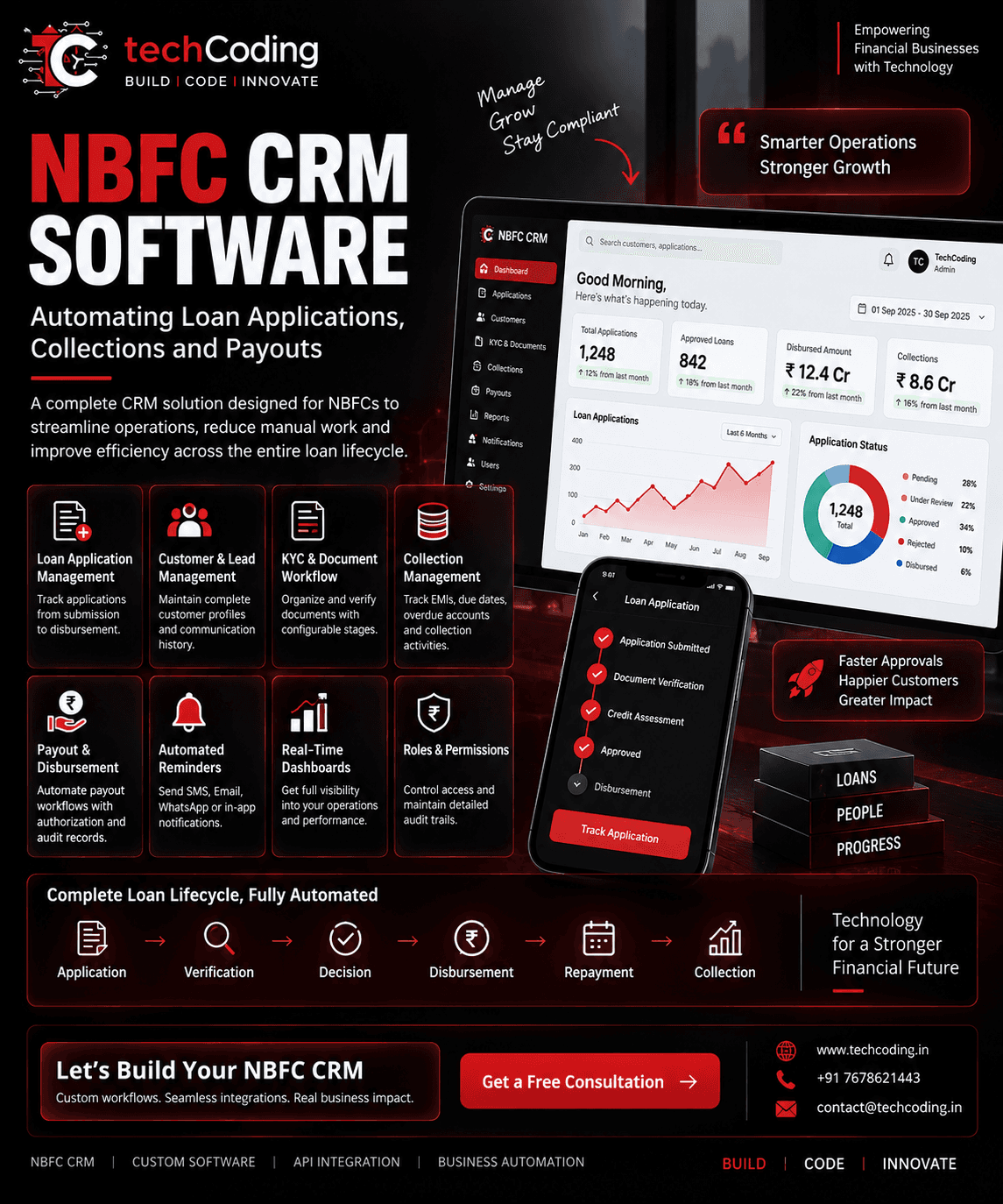
11. AI for Financial Services and NBFC Workflows
AI can also assist with selected workflows in financial-service businesses.
Potential applications can include:
Customer support
Document processing
Application classification
Internal knowledge assistance
Lead management
Operational reporting
Customer communication
Workflow routing
For example:
Loan Application
↓
Document Processing
↓
Validation
↓
Configured Business Workflow
↓
Authorized Human Review
↓
Next Process
For lending, underwriting, fraud, eligibility, credit, or other high-impact financial decisions, AI should not simply be treated as an unsupervised decision-maker. Appropriate human oversight, validation, governance, security, and applicable regulatory requirements are important.
12. AI Doesn't Have to Replace Your Team
One common misconception about AI automation is that its primary objective is replacing employees.
For many businesses, a more useful model is:
AI + Human Team
AI can assist with repetitive activities such as:
Initial classification
Summarization
Data extraction
Routine responses
Report preparation
Workflow triggers
Employees can focus on:
Customer relationships
Strategy
Negotiations
Complex decisions
Creative work
Quality control
The objective is to make the team more productive.
13. Start With One Real Business Problem
Businesses don't need to automate everything at once.
Start by identifying one repetitive process.
Ask:
Which task does our team repeat every day?
It might be:
Entering website leads into CRM
Reading customer enquiries
Preparing reports
Processing documents
Sending reminders
Answering repetitive questions
Assigning leads
Updating customer records
Once the process is identified, evaluate whether AI and automation can improve it.
Start small.
Measure the results.
Then expand.
14. What Should You Measure?
AI implementation should be evaluated using business outcomes rather than simply whether AI is being used.
Depending on the workflow, useful metrics could include:
Hours of manual work reduced
Customer response time
Lead processing time
Number of automated tasks
Error rates
Support resolution time
Sales-team productivity
Workflow completion time
This helps determine whether an AI solution is actually creating value.
15. Security and Data Privacy Matter
AI integrations can involve business and customer information.
Security therefore needs to be considered during implementation.
Depending on the application, this can include:
Authentication
Role-based access
Encryption
Secure APIs
Data validation
Audit logs
Rate limiting
Monitoring
Data-retention policies
Human approval for sensitive actions
Businesses should also understand what information is being shared with AI providers and how that information is processed and retained.
Where TechCoding Fits
At TechCoding, we focus on connecting AI with real business systems rather than adding AI simply because it is trending.
We can build solutions involving:
AI Chatbots
AI-Powered CRM
AI Lead Qualification
Document Processing
Business Workflow Automation
AI Assistants
Custom AI Web Applications
API Integration
CRM Development
Business Dashboards
Third-Party Integrations
Custom Software Development
The implementation can be designed around your existing business workflow and technology stack.
Example: Complete AI-Powered Business Ecosystem
Imagine one connected platform:
Website
↓
AI Assistant
↓
Lead Qualification
↓
CRM
↓
Sales Automation
↓
Email / Messaging
↓
Customer Management
↓
Business Analytics
Your website, CRM, APIs, communication systems, database, and AI no longer operate independently.
They become parts of one connected workflow.
That is the difference between simply using AI and actually putting AI to work.
Final Thoughts
AI adoption is not just about adding a chatbot to a website or subscribing to another AI tool.
The bigger opportunity is integrating AI into actual business operations.
When AI connects with your CRM, website, APIs, database, communication channels, and internal software, it can help reduce repetitive work, organize information, improve response times, and support more efficient workflows.
The question for businesses is therefore changing from:
“Should we use AI?”
to:
“Which business process should AI improve first?”
🚀 Don't Just Use AI. Put AI to Work.
At TechCoding, we build intelligent solutions that connect AI + CRM + APIs + Automation around real business processes.
Automate repetitive work. Connect your systems. Build smarter operations.
🌐 www.techcoding.in📧 contact@techcoding.in📞 +91 7678621443
BUILD | CODE | INNOVATE